
A link and a PIN
No accounts and no passwords. Lost the PIN? MiVoBroadcast Support can have it sent again or set a new one.
Here to watch a service? How to get the link
Family pages
A link and a 6-digit PIN, with no account. Families add photos, music and video from any phone, share the service in one tap, watch from anywhere, and keep the recording and the books.
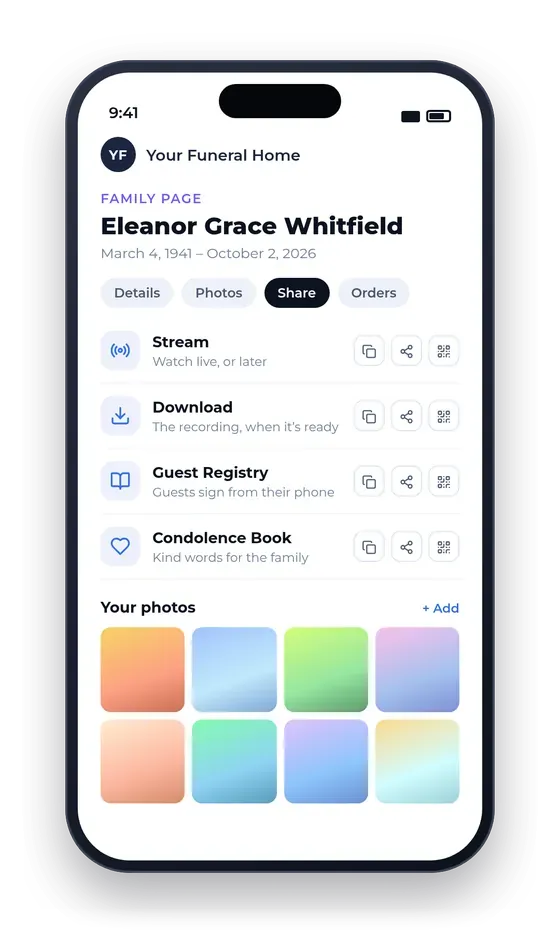
What’s on the family page
No accounts and no passwords. Lost the PIN? MiVoBroadcast Support can have it sent again or set a new one.
Uploaded from any phone, iPhone photos included, for the tribute and the screens.
One tick says whether the funeral home may show their photos and videos on its screens and in the tribute. Untick it, and they don’t show.
Stream, Download, Guest Registry and Condolence Book links by text, email or WhatsApp, each with a printable QR code. The PIN is never shared.
No app and no sign-in. The stream starts on its own, with help for phones, computers and TVs, and a low-delay way to watch when the usual player stutters.
Edited by our team; the family gets an email and a download button when it’s ready, and can order it on a keepsake USB drive.
The service on USB, printed books and memorial gifts, ordered from the page. A keepsake with a photo or words is made only after the family sees its preview and says OK.
The family corrects their own details on the page, and sees the date it stays open until.
Answers on every part of the page, and a “Tell us” button to reach MiVoBroadcast Support or the funeral home.
Books worth keeping
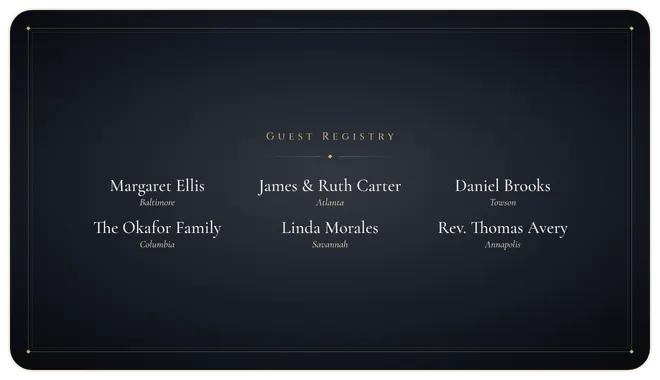
The Guest Registry, the Condolence Book and the chat to view, print, or save as PDF or Word, in four looks. Guests sign from a link or a QR code in your lobby, near and far.
Tribute scenes
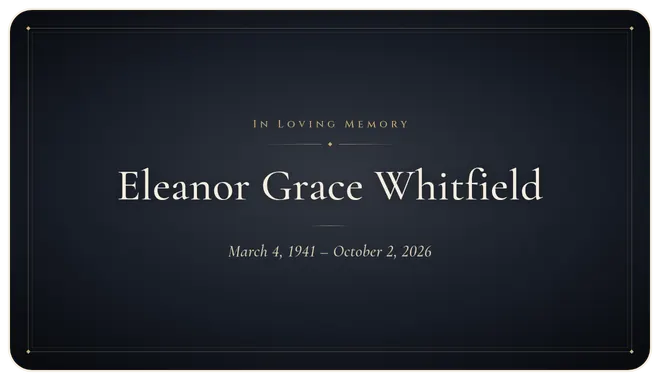
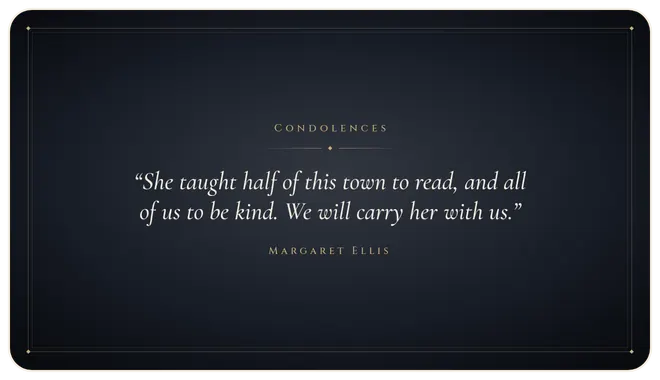
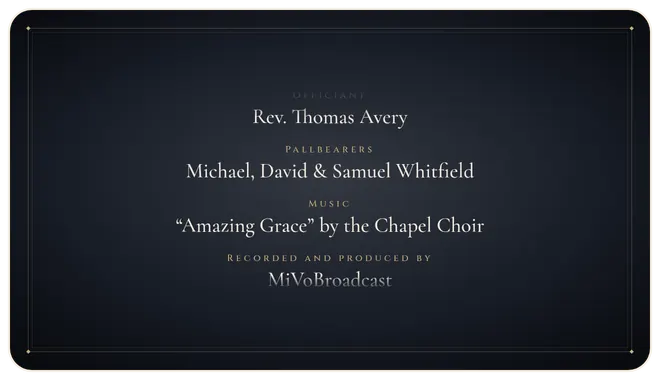
Guests sign the Guest Registry and leave condolences from a link or a QR code in your lobby. Their words appear on screen as the service closes, the family’s own photos and videos can play as a tribute, and all of it becomes part of the recording they keep.
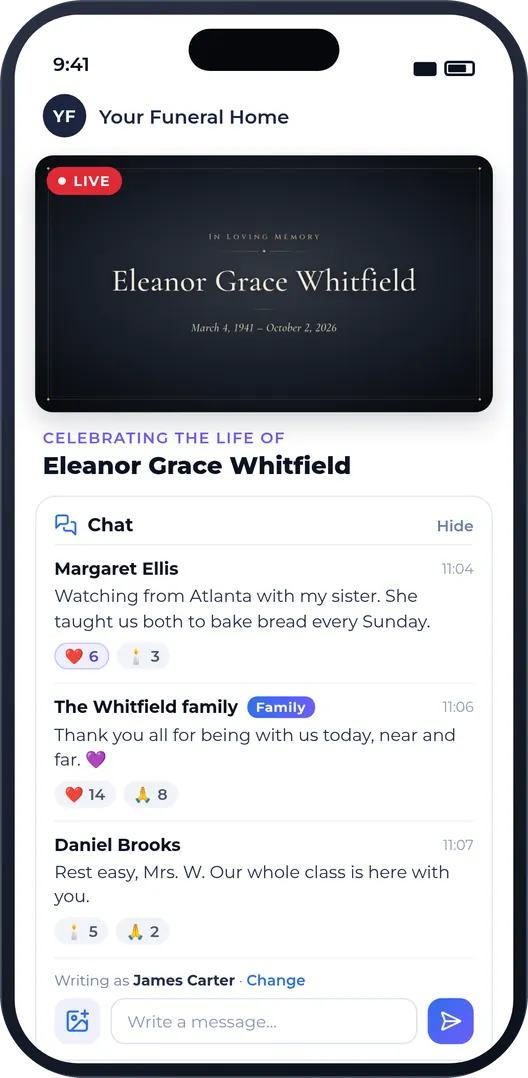
Chat on the watch page
People watching from home can be part of the service, not only watch it.
On when you want it: for every service, or one service at a time.
Book a short demo and we’ll walk you through a full service, from the booking to the keepsake.