
Live streaming
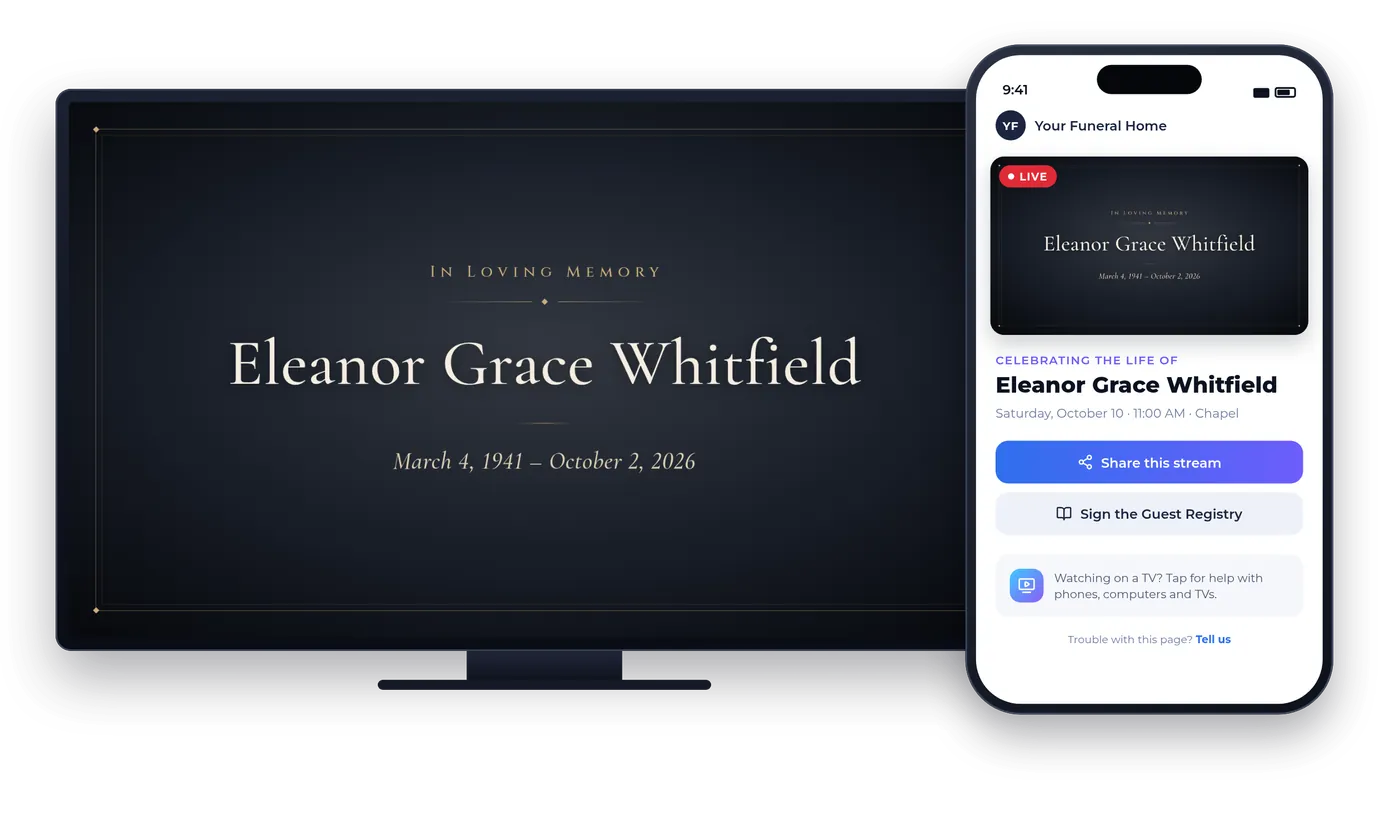
Each service you choose goes live on its own, from the first waiting card to the last thank-you. Guests watch from a link, with no app and no sign-in.
Livestream · Recording · Tributes · Lobby screens
MiVoBroadcast streams, records and preserves every service on its own, with tribute scenes, a private page for each family and keepsakes they will treasure.
Trusted by funeral homes in Maryland and Georgia
What we offer
Each service you choose goes live on its own, from the first waiting card to the last thank-you. Guests watch from a link, with no app and no sign-in.
Every minute is recorded at the location, then edited by our team. The family gets a recording to download and keep.
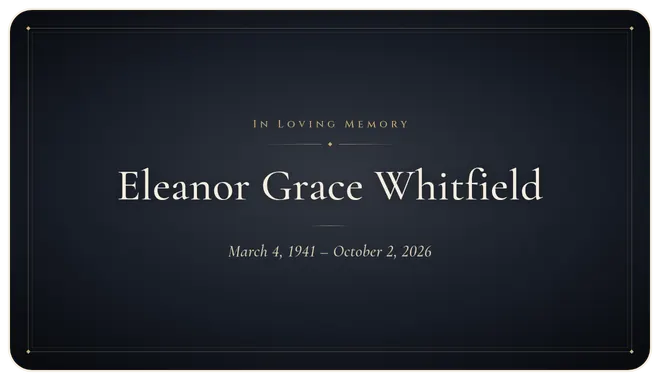
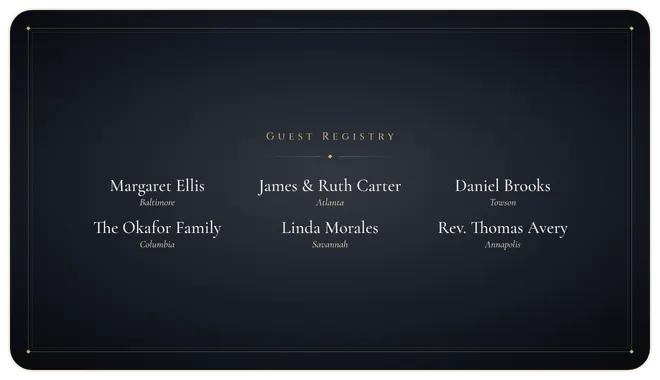
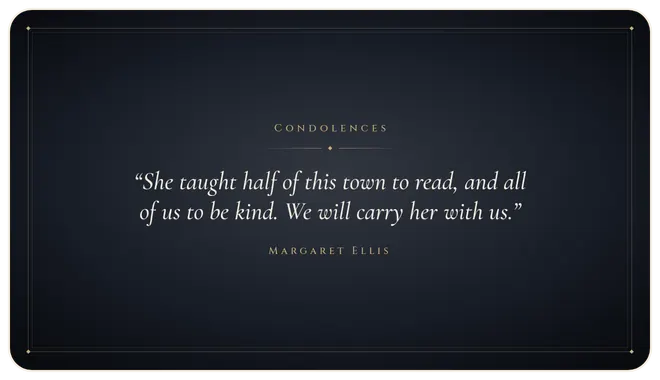
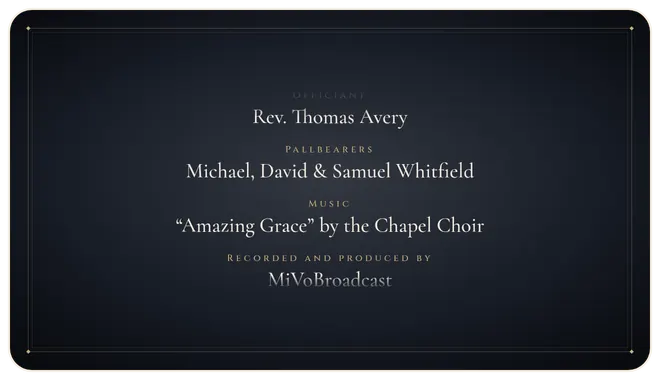
In Memory Of, Guest Registry, Condolences and Credits play on screen, and the family’s own photos and videos can play as a tribute.
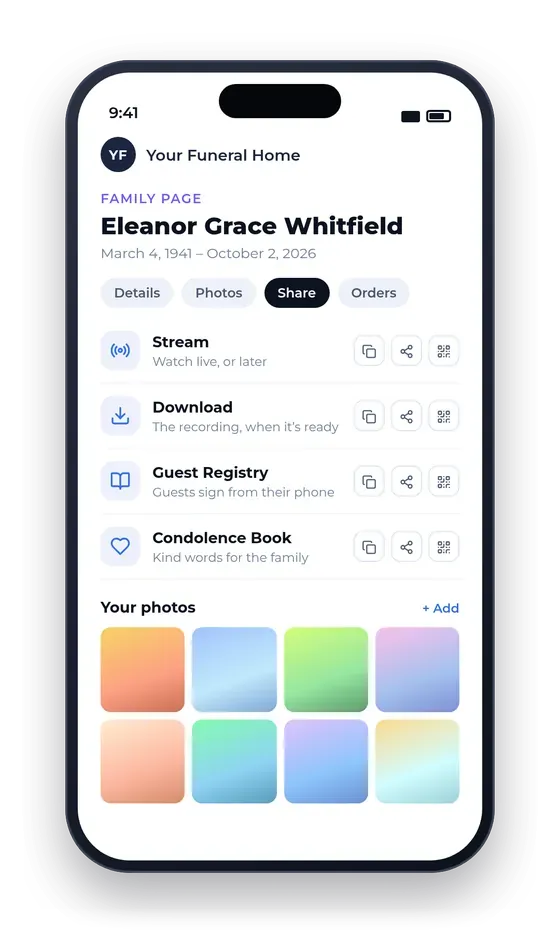
A link and a 6-digit PIN, with no account. Families add photos, music and video from any phone, and share the service’s links in one tap.
Guests sign from a link or a QR code in your lobby. The family can view and print both books, or save them as PDF or Word.
People watching from home can send a message, a heart, a candle or a prayer. Your staff moderate it live, and it stays off until you turn it on.
Ready-made designs with service details, photos, kind words and the Guest Registry QR code, following the same calendar as the stream.
The service on a USB drive, printed books and memorial gifts, ordered from the family’s private page.
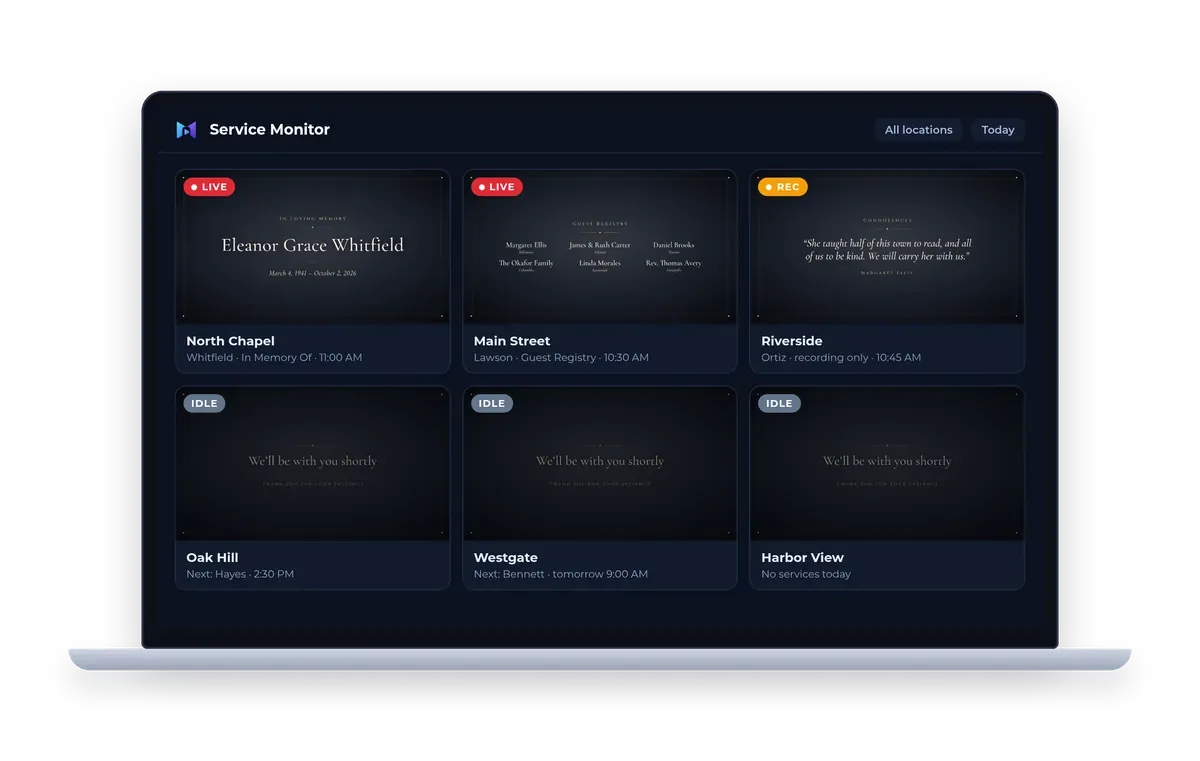
The stream, the recording and the lobby screens follow one booking. Vehicles and equipment book there too, and each manager sees only their own location.
The service runs itself
Your staff add the service to the calendar and choose to stream it, record it, or both. From the first waiting card to the last thank-you, every scene, camera and tribute plays on time and on its own, while your team stays with the family.
What your staff do
Add it to the calendar, like any other day.
Stream, Record, or both.
Need a change? Extend, end now or start now in one click.
What MiVoBroadcast does
Tribute scenes
Guests sign the Guest Registry and leave condolences from a link or a QR code in your lobby. Their words appear on screen as the service closes, and all of it becomes part of the recording the family keeps.
Reliability
For families and guests
Every service has its own link, and the family has it. There is no list of services on this site, and nothing to log in to.
They can send it by text, email or WhatsApp from their family page. Can’t reach them? Call the funeral home.
It works on a phone, a tablet or a computer, with no app and no sign-in. It starts by itself when the service begins.
Phones and browsers often start a video silently.
Book a short demo and we’ll walk you through a full service, from the booking to the keepsake.